Applied computer vision

Create an Image Classifier

Example: attach searchable labels to a photo collection using Cloud Vision’s pretrained label detection. One image can have several labels; this is not custom model training or object localization.

Learning example only. Images are generated and labels are hand-authored fixtures, not Google predictions. No images are uploaded or analyzed.

ILLUSTRATIVE MULTILABEL OUTPUT

Image → labels → threshold

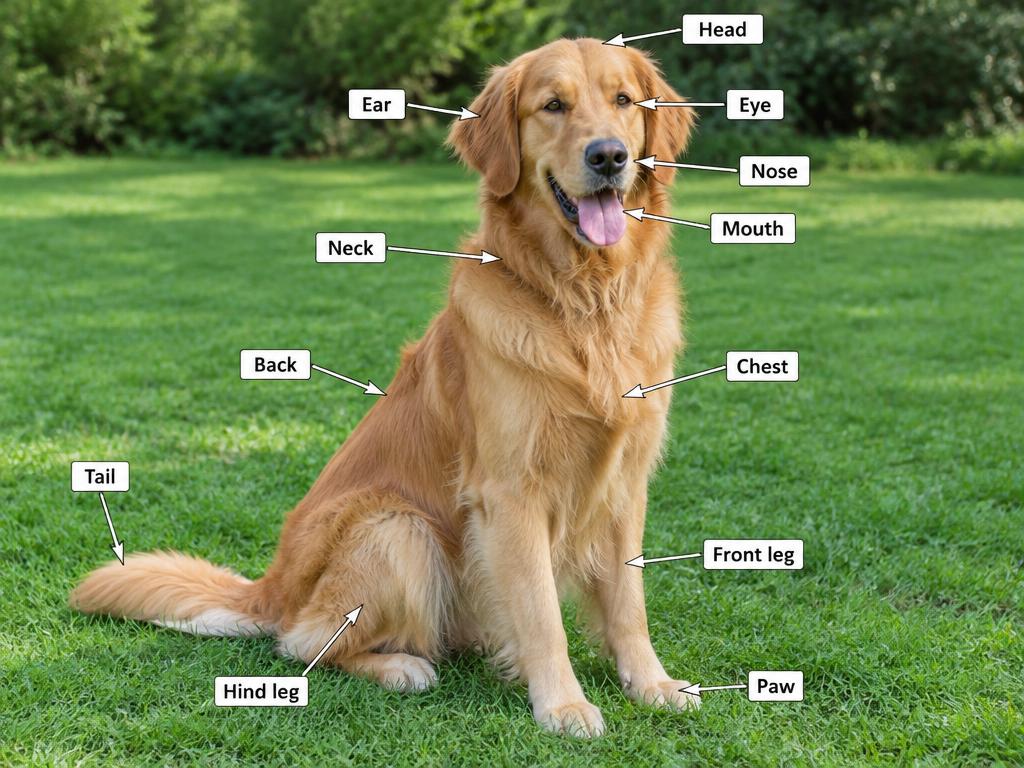
Generated photograph of a golden retriever on grass with anatomical annotations
Dog in a parkGENERATED SAMPLE / FIXED LABELS
0.70

4 of 5 illustrative labels retained

Dog0.98
Mammal0.95
Grass0.86
Golden retriever0.79

These scores are invented for teaching. Real confidence scores are not calibrated probabilities and need not sum to one. Filtering changes which labels are shown, not the model’s predictions.

Google Cloud Vision setup

Prepare Google Cloud

Choose a project, enable billing and the Cloud Vision API (vision.googleapis.com). Review current label-detection pricing, quotas, data handling and organizational policies before sending images.

Your terminal
gcloud services enable vision.googleapis.com --project=YOUR_PROJECT_ID

Enabling the service changes your project; real API requests may incur charges. Budget alerts are not hard spending caps.

Python · real API implementation

This code makes a real request only when you run it in your own authenticated environment. It reads a local file, checks API errors and prints labels above your chosen threshold.

Python & C++ examples

Python dependencies: google-cloud-vision · ADC · billable Cloud Vision API
import argparse
import json
from pathlib import Path
from google.cloud import vision
from google.api_core.exceptions import GoogleAPICallError


def classify_image(path: Path, threshold: float) -> list[dict]:
    if not 0.0 <= threshold <= 1.0:
        raise ValueError("Threshold must be between 0 and 1")
    content = path.read_bytes()
    if not content:
        raise ValueError("Image file is empty")
    # Application Default Credentials; never embed a private key.
    client = vision.ImageAnnotatorClient()
    response = client.label_detection(
        image=vision.Image(content=content), max_results=20, timeout=30.0
    )
    if response.error.message:
        raise RuntimeError(
            f"Vision error {response.error.code}: {response.error.message}"
        )
    return sorted(
        [{"label": label.description, "score": float(label.score)}
         for label in response.label_annotations
         if label.score >= threshold],
        key=lambda item: item["score"], reverse=True
    )


if __name__ == "__main__":
    parser = argparse.ArgumentParser(description="Cloud Vision label detection")
    parser.add_argument("image", type=Path)
    parser.add_argument("--threshold", type=float, default=0.7)
    args = parser.parse_args()
    try:
        labels = classify_image(args.image, args.threshold)
        print(json.dumps({"labels": labels}, indent=2))
    except (OSError, ValueError, RuntimeError, GoogleAPICallError) as error:
        parser.exit(1, f"Classification failed: {error}\n")
Before using this in a real application

01Evaluate representative labeled images and measure precision and recall per label, not just one impressive photo.

02Use consented images, check data residency and retention requirements, and keep private credentials and API calls server-side.

03Validate file types and size, handle timeouts and quota errors, and record costs without logging private image content.

04For custom product or defect classes, evaluate a separately trained classifier. General-purpose Vision labels are not a substitute for domain-specific evaluation.